
New location sharing feature in iOS 27, possible to hide location from specific contact
Published 49 minutes ago | By Nouman Shakeel
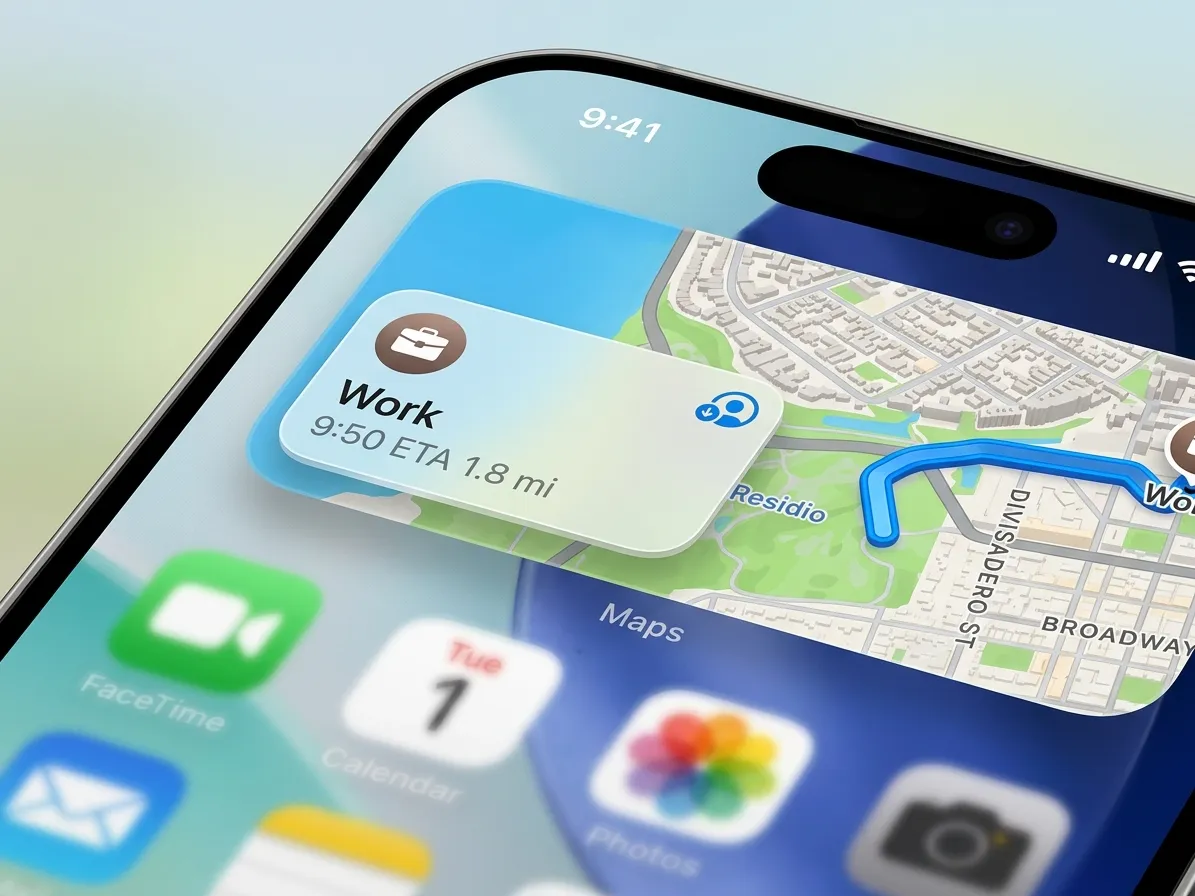
A change regarding location sharing has been introduced in Apple's new mobile operating system, iOS 27, allowing users to hide their current location from specific contacts. Notably, when the location is hidden, the other person does not receive the standard notification within iMessage.
What has changed regarding location sharing?
Previously, if a user stopped sharing their location with a contact, a gray notification would appear in the iMessage chat. This alerted the other person that location sharing had been disabled.
In iOS 27, using the "Hide My Location" option causes the user's location to disappear from the contact's screen; however, the gray notification indicating that location sharing has been turned off does not appear in the iMessage chat.
What will the other person see?
If the other person attempts to locate the user via "Find My" or Maps, they may encounter a status such as "No location found" or "Offline."
This change makes it difficult for the other person to immediately determine whether the location is being intentionally hidden or if it is unavailable due to the phone being turned off, a lack of network connectivity, or other reasons.
| Feature | iOS 27 Behavior |
|---|---|
| Hide My Location | Location Hidden From Selected Contact |
| iMessage Notification | No Grey Notification |
| Find My / Maps | No Location Found or Off-Network |
In what situations can this feature be useful?
According to Apple, this feature was primarily introduced for instances where a user does not wish to reveal their whereabouts temporarily. For example, during a surprise party, while buying a gift for someone, or engaging in any activity where secrecy is desired, the user can hide their location from specific contacts.